Important things to know
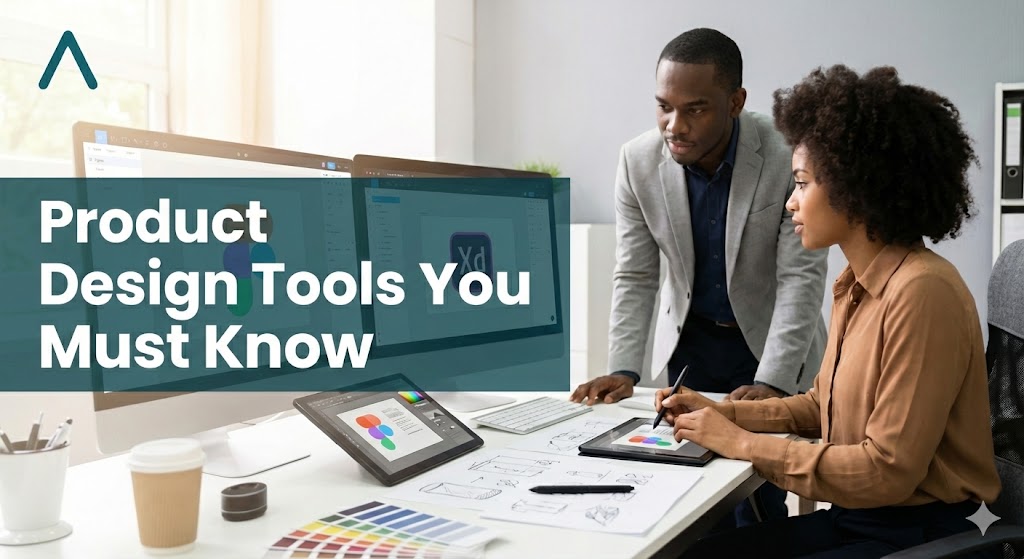
In this article, I shared some must-have tools that every product designer must have in 2026, ranging from core design tools to AI_powered tools, image resources and organizational tools.
Design Tools
- Figma
If you must learn to use any tool, use Figma. Figma is an all-encompassing tool that allows you to have everything you need for a successful project. These include design systems and components library, interface design, prototyping, collaboration and developers hand off with great plugins.
Figma also has a section for brainstorming and a workshop called Figjam. Interestingly, we now have Figma Make, I will call this vibe designing, not vibe coding. Haha! With Figma Make, you describe what you want, it makes the UI for you!
- Galileo AI
There is also Galileo AI, which does this better because it pays more attention to details than Figma. So, if you will be using just one tool. Figma is your go-to because it is more encompassing.
Some other tools you could look into for design are:
AI Powered Assistant
- Claude or ChatGPT. It is 2026 and almost all tools are now AI-powered. Having an AI tool to help polish your user experience flow is a great idea. My preference all day is Claude over ChatGPT and here is why. Claude breaks down your research flow and results into the simplest form, while ChatGPT needs more prompting to give you granular information, so I will always go for Claude any time but ChatGPT is also great. So look into both and pick what works best for you.
Image Resources
- Unsplash has collections of high-resolution images, both free and premium, that are good for both your placeholder images and images you want your UI to go live with.
- Midjourney or DALLl-E OpenAI, you can also use any of these tools to generate AI images for your UI.
Organization Tool
- Trello is a Kamba tool that you can use to keep up with your to-dos without forgetting them. You can create different statuses for your to-dos (to work on, doing and done.) You can name your to-do status as you wish. This is an illustration to give you ideas on how to use Trello status.
If you have learnt the skill but are confused about how to gain experience and increase your chances of landing jobs, or you’re trying to switch your career into becoming a product designer, check out the Amdari product design work experience internship. This internship is for entry-level product designers with foundational design knowledge, recent graduates of Product Design / UI/UX courses, career switchers transitioning into product design and individuals seeking hands-on experience in UI/UX, product thinking, and user-centred design. If you fall into any of the listed categories, you can get started immediately by booking a call to speak with our team
- Framer and Webflow: The gap between design and development is closing up pretty fast. So I won’t leave out Framer and Webflow. These are ‘no’ to ‘low’ code tools that help you push to production.
Most importantly, staying consistent and keeping up with trends is what helps you keep evolving as a product designer. What are some other great tools you have used that I may have left out?